Notion
Connect AgentDesk to Notion for reading and managing workspace content.
The Notion integration connects AgentDesk to your Notion workspace, giving agents access to 22 MCP tools for reading and managing Notion content.
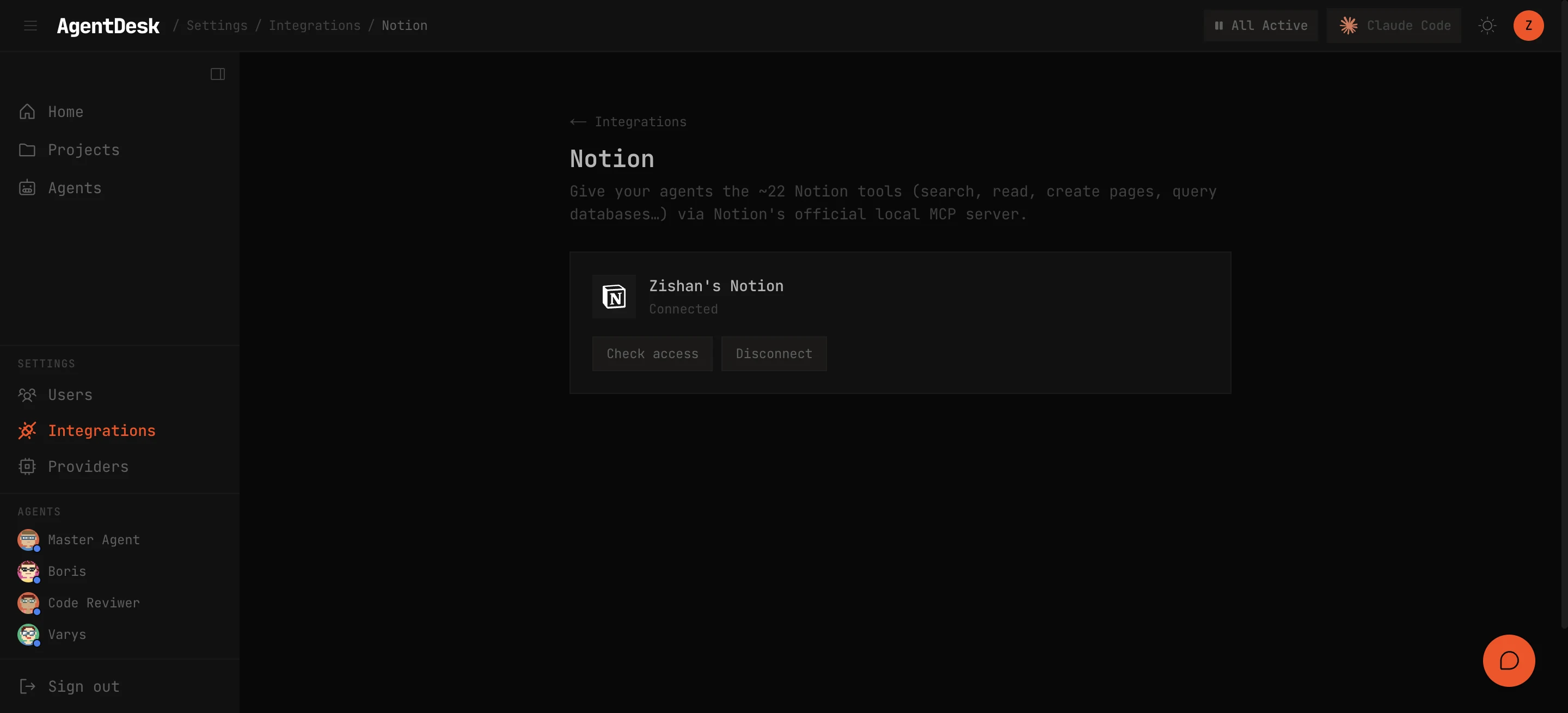
Setup
1. Create an Internal Integration
- Go to notion.so/my-integrations
- Click New integration
- Give it a name (e.g., “AgentDesk”)
- Select the workspace to connect
- Copy the Internal Integration Token (starts with
ntn_)
2. Grant Page Access
For each Notion page or database you want agents to access:
- Open the page in Notion
- Click … > Connections > Connect to > select your integration
3. Connect to AgentDesk
Paste the token in the AgentDesk UI under Settings > Integrations > Notion, or use the CLI:
$ ad-notion-connect <ntn_token>Available Tools
Once connected, agents have access to 22 Notion MCP tools:
| Tool | Purpose |
|---|---|
post-search | Search across pages and databases |
retrieve-a-page | Get page content and properties |
post-page | Create a new page |
patch-page | Update page properties |
retrieve-a-database | Get database schema |
query-data-source | Query database rows with filters |
get-block-children | Read page content blocks |
patch-block-children | Append content to a page |
retrieve-a-block | Get a specific content block |
update-a-block | Modify a content block |
delete-a-block | Remove a content block |
create-a-comment | Add a comment to a page |
retrieve-a-comment | Read a specific comment |
get-self | Get the integration’s user info |
get-user | Get a workspace user |
get-users | List all workspace users |
Disconnect
$ ad-notion-disconnectThis removes the stored Notion token. Agents lose access to Notion tools immediately.